Romestead Biomes Guide: Current Regions, Progression & Update Status
Use this version-aware overview to understand what the current Romestead biomes change, how they connect to exploration, and which future-region claims still need confirmation.
On this page
How many biomes are in Romestead right now?
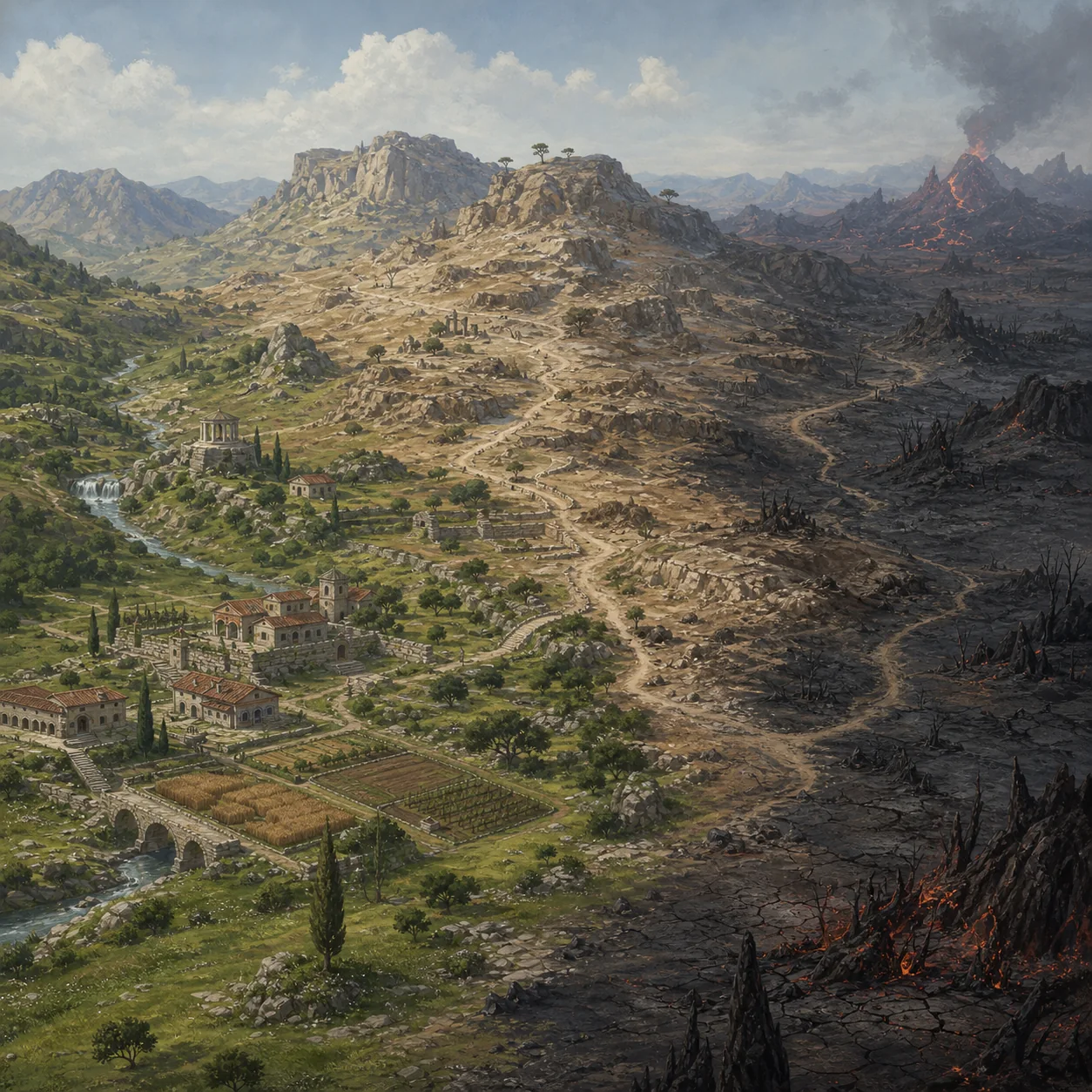
If you are searching for how many biomes are in Romestead, the safest current answer is three distinct biomes in the official Steam description. That is the useful headline for a new player, but it is not a promise that every boundary, name, or route will stay unchanged. Romestead is an Early Access game, so a later build can adjust terrain, encounters, resources, or progression gates.
A fourth major biome appears in official planning as a future target rather than a confirmed live region. Keep that distinction clear: a roadmap or news post can tell you what the developer intends, while the current build and patch notes tell you what you can actually visit. Community maps and videos are useful leads, but they should not override the latest first-party status.
Current build
Use the live game and current patch notes to decide what is playable now.
Official planning
Treat a planned fourth biome as future content until release evidence catches up.
Community evidence
Use videos and wiki entries as clues, then check their build date and source.
What each Romestead biome changes
The practical value of a Romestead biome guide is not memorizing a color on a map. Each region changes the decisions around travel time, food and repair reserves, material routing, visibility, combat preparation, and whether a base can support the next step. Exact loot tables or enemy statistics should be checked against the current build instead of copied from an old guide.
Use the table as a planning boundary. It separates the strategic questions this page can answer from facts that need a current in-game or official source check. The phrases Romestead volcano and Romestead desert are useful search variants, but a search phrase alone does not prove that a region has a fixed name, permanent coordinates, or a released feature set.
| Region or claim | What it changes | Player decision | Version confidence |
|---|---|---|---|
| Starter / plains region | Early travel, settlement stability, first production loops | Build a compact base and protect a reserve before scouting farther | Current broad concept; exact boundaries can change |
| Forest region | Denser routes, visibility, gathering loops, and return-time choices | Mark safe approaches and compare carrying distance before relocating | Strategic guidance; verify exact resources in the live build |
| Desert region | Longer supply planning, exposed travel, bosses or objectives that may require upgrades | Carry recovery supplies and confirm the route before committing | Search-supported region topic; exact gates need current evidence |
| Volcanic / future-region claim | Potential high-risk route or planned content discussed by sources | Do not treat a rumor, roadmap item, or old video as a released biome | Version-sensitive; confirm with official notes |
How biome progression connects to the map
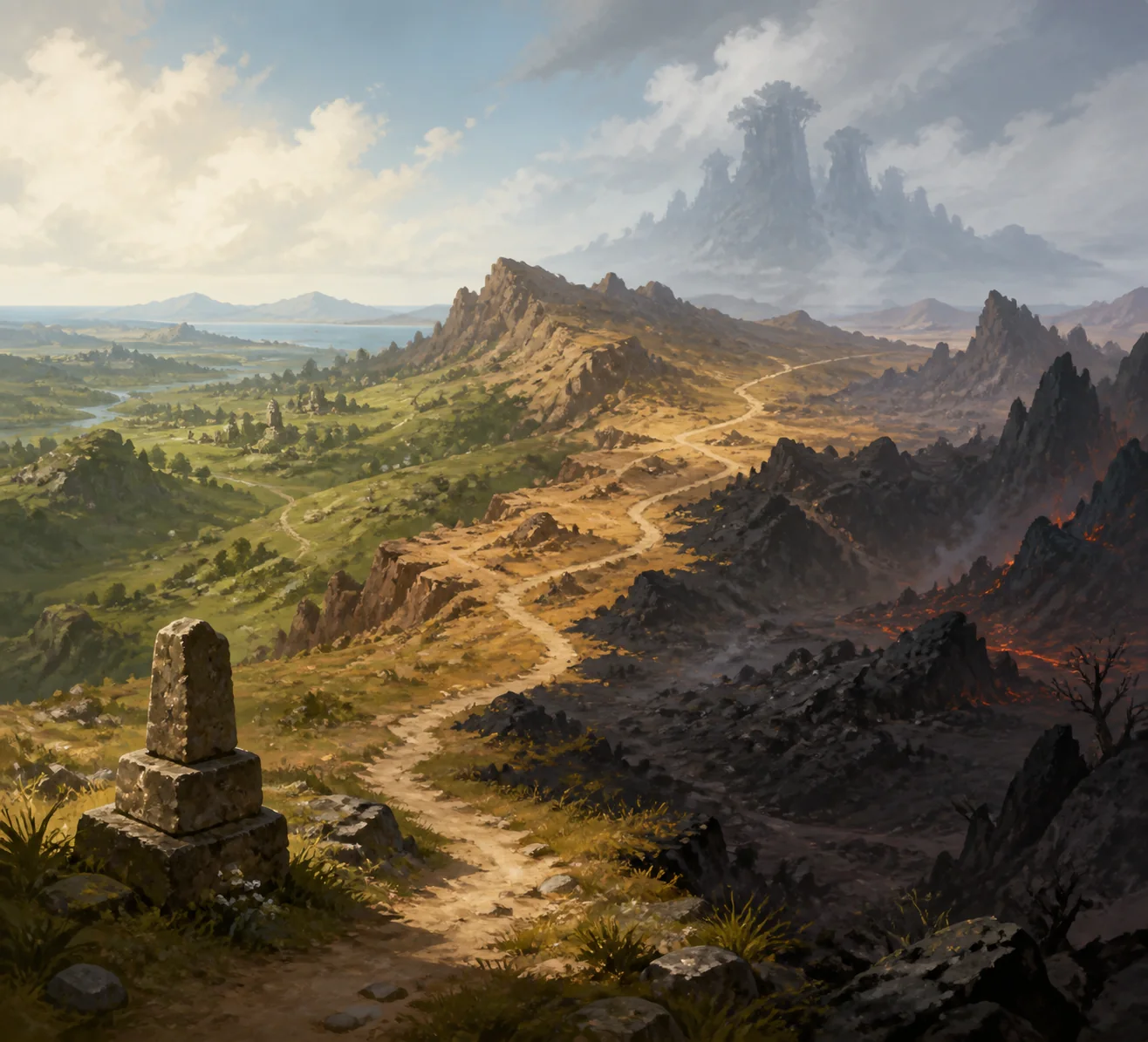
Biomes are part of a route network, not isolated sightseeing zones. Before leaving the starter region, compare the full loop: base to storage, storage to crafting, crafting to repairs, and the return path from the next objective. A region can look rich on a map and still be a poor next destination if every trip consumes more food, health, or carrying time than the settlement can replace.
The Romestead map is also the place to record uncertainty. Use markers for a resource lead, a safe return point, a dangerous approach, and a candidate base. If the world or route changes after an update, you can revise the marker without treating an old community map as a permanent coordinate guide. For map-specific questions, use the dedicated map guide rather than making this page a duplicate map database.
Route before destination
Measure the return loop and resupply points, not only the resource visible at the end.
Markers preserve context
Write what a marker means and why it matters so the information survives a later revisit.
Map facts have a shelf life
Procedural layouts, patches, and community discoveries can make old coordinates unreliable.
What to prepare before leaving the starter region
A biome transition is usually a logistics check before it is a combat check. Keep enough food, healing or repair capacity, inventory space, and basic materials to return without gambling the settlement. If your villagers are already waiting on a missing input or a long storage route, a distant expedition can magnify the bottleneck rather than solve it.
Make the first trip a reconnaissance loop. Note terrain, hostile approaches, resource density, safe stopping points, and the time required to get home. Only after that loop should you decide whether to move the base, add storage, upgrade a route, or prepare for a boss or special objective. This keeps the biome guide useful even when the exact map changes.
| Before leaving | Check | Why it matters |
|---|---|---|
| Food and recovery | A reserve remains after the expedition is packed | The return trip is part of the cost |
| Inventory | Space is available for useful finds | A full pack can turn a good route into wasted travel |
| Storage route | The next region has a realistic drop-off plan | Materials are less useful when workers cannot reach them |
| Base readiness | Core production and defense can continue while you scout | Remote travel should not collapse the first settlement |
| Version context | The route or objective is supported by a current source | Early Access facts can age quickly |
How to verify biome information after an update
When an update lands, start with first-party evidence: the official Steam page, Steam News posts, and the current in-game build. Look for changes to the number of regions, new terrain names, progression requirements, boss placement, or resource availability. Do not silently convert a planned feature into a current one just because a headline or thumbnail uses confident wording.
Next, compare community guides by publication date and build context. A wiki or video can explain the player experience well, but its exact route may be stale. Record the source date in your own notes, keep uncertain claims labelled, and link readers to the map, resources, bosses, or roadmap guide when their question needs a deeper page.
First-party first
Check Steam store and official Steam News before relying on a secondary list of biomes.
Separate now from next
Use different wording for a released region, a roadmap target, and an unverified community claim.
Recheck after patches
Update route notes, images, FAQs, and internal links when the live build changes.
Romestead biome verification checklist
| Check | What to verify | Why it matters |
|---|---|---|
| Region count | Does the current official description still say three distinct biomes? | Prevents an old or planned count from becoming a false headline |
| Future content | Is the fourth major biome released, scheduled, or only planned? | Keeps current and roadmap information separate |
| Region names | Does the source use the same name in the current build? | Avoids treating a community nickname as an official label |
| Map route | Do markers and return paths still match this world and patch? | Procedural or updated worlds can invalidate old routes |
| Resources and bosses | Are exact drops, encounters, and gates supported by current evidence? | Avoids stale numbers and unsupported promises |
Romestead biomes FAQ
Sources and version boundaries
- Official Romestead Steam page - First-party description, current store status, screenshots, and update context.
- Official Romestead Steam News - First-party announcements and roadmap or patch context; check the date and wording.
- Romestead community wiki - Community reference only. Compare page dates and build context before treating exact data as current.