Romestead Buildings Guide: Layout, Placement, and Town Planning
A practical Romestead buildings guide to town layout, production, foundations, and expansion without wasted walking time.
On this page
The best Romestead buildings layout: keep the loop compact first
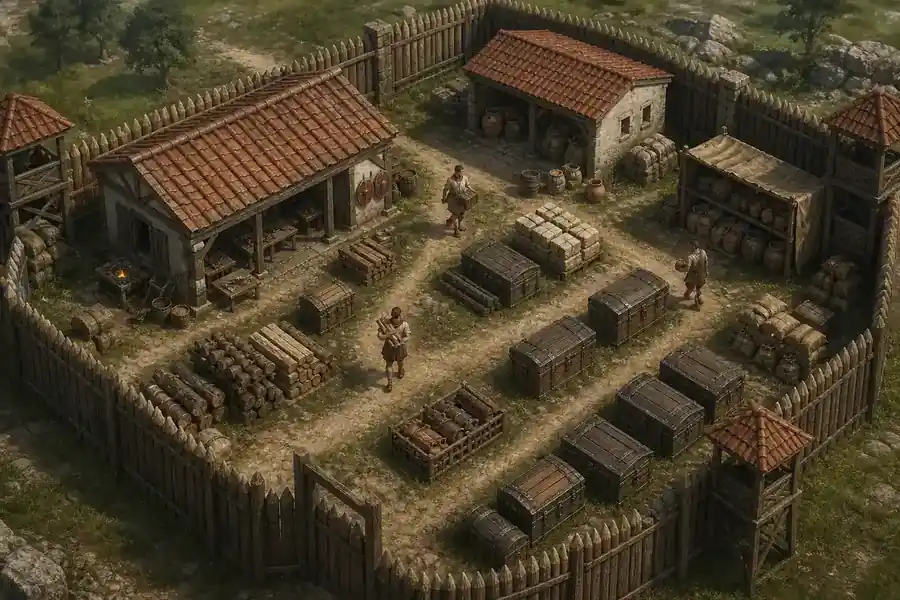
The best Romestead buildings layout is a working loop, not a perfect grid. Start with a compact service core where villagers reach food, storage, production, and repairs without crossing the settlement. Leave room beside it for the next workshop or defense. A short route today beats a wide plan that needs upgrades before it works.
Think of every building as three routes: materials in, worker access, and finished goods out. A workshop can be close to inputs and still create long trips when storage is far away. If it appears idle, inspect the route before adding another worker or copy.
Romestead is an Early Access game, so exact costs, unlocks, and interaction rules can change. Use the official Steam listing and community wiki for live details, while using this guide for durable placement decisions.
A first town layout that is easy to expand
For a first Romestead buildings layout, mark a central spine before placing every building. Use a readable path or open service lane. Put storage and frequent production on one side, housing and food support on the other, and keep an edge clear for defense. Workers gain a predictable direction and congestion is easier to spot.
Start with four zones rather than a detailed district plan: service for food and daily storage, workshops for crafting, residential for safe returns, and frontier for gates, walls, or a fallback lane. The zones reduce crossings and make problems visible without decorative borders.
Do not fill every gap between the zones. Buildings often need access on more than one side, and an upgrade may occupy a larger footprint. Leave a buffer beside important workshops and a wider turning area near storage.
| Zone | Place first | Leave room for |
|---|---|---|
| Service core | Food support and everyday storage | A short repair and hauling lane |
| Workshop row | The production buildings used most often | Inputs on one side and output storage on the other |
| Residential area | Housing and safe return paths | A route that stays usable during defense |
Romestead building placement rules that prevent expensive rework
Before confirming a foundation, check its footprint, approach, and future edge. The footprint is current space, the approach is where a villager or player uses it, and the future edge is for upgrades, neighbors, or repairs. A foundation can fit visually and still fail one test.
Keep high-frequency buildings on the shortest routes. Food, storage, basic crafting, and repairs are visited repeatedly, so saved distance compounds. A remote specialist is fine for a local resource, but connect it to a clear hauling route.
Avoid placing a large structure against a cliff, wall, map boundary, or another foundation until you know its active side. If buildings overlap, move the newer one first and re-check the route.
How to move or rotate buildings without breaking the town
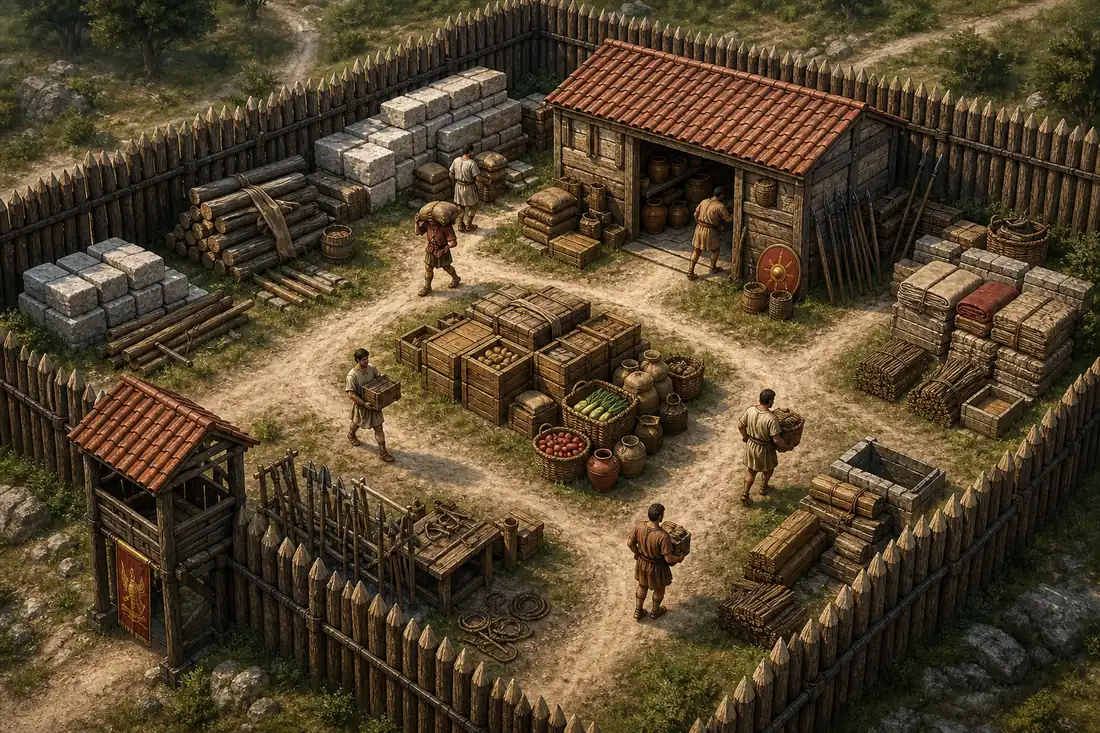
When a structure is misplaced, fix the newest or least connected building first. Moving central storage disturbs every route, while moving a new specialist usually costs less. Make one change and watch the route before making another.
For rotation, face the active side toward the service lane. A workshop can keep the same footprint yet block the path between storage and housing. Test the rotate control on an empty foundation; if an overlap prevents selection, approach from the open side and check current instructions.
Do not rebuild automatically when a building seems idle. Check inputs, worker, valid path, and output space before moving it.
| Symptom | Check first | Low-risk correction |
|---|---|---|
| Building cannot be selected | Overlap, angle, or blocked approach | Select from the open side and clear the newest obstruction |
| Worker walks around the town | Storage and workshop are on opposite edges | Move the lower-frequency building closer to the shared lane |
| Output piles up | No nearby storage or wrong storage type | Add a reachable output space before adding more production |
| Upgrade no longer fits | No buffer beside the footprint | Reserve an expansion strip and relocate the least connected building |
Production, storage, and town layout: build around the bottleneck
A production zone works when inputs arrive, a worker starts, and outputs leave without competing for one narrow path. Put input storage near gathering or delivery and output storage near the next consumer. This is easier to debug than a mixed block where every worker crosses every route.
Storage should serve a cluster without blocking the entrance. Use the storage guide for material priorities and this guide for physical placement. Shared materials can use one staging spot; rare outputs can stay beside their workshop.
A good layout makes the current bottleneck obvious: check gathering and storage for slow wood, tools and assignment for stalled crafting, and food stability before expanding.
Carpenter, construction, and logistics planning
A carpenter or construction building turns materials into usable space faster. Place it where the crew reaches work areas without crossing the busiest food and storage route. If building work pulls residents from survival tasks, expand after the core is stable.
When planning a new row, stage materials before placing the final structure. A temporary stockpile near the work edge shortens trips; remove or reuse it once the row is active. Keep it flexible instead of building a permanent wall of crates.
Watch villagers and buildings together. A building without a suitable worker is not fixed by a prettier layout, and an isolated worker still wastes time.
| Planning question | Good sign | Warning sign |
|---|---|---|
| Can construction materials reach the site? | A short, visible route from staging to foundation | Workers cross the food or defense lane |
| Can the carpenter keep working? | Inputs and output space are both reachable | Output blocks the access side |
| Can villagers change jobs safely? | Housing and job areas share a readable path | The route depends on one blocked doorway |
| Can the district expand? | An empty edge remains beside the row | Every gap is filled with permanent structures |
Defense and expansion: keep the frontier readable
Defense belongs on the town edge without cutting the settlement into pieces. Build an approach with a gate, repair side, and fallback route. Keep food, storage, and core workshops behind it so outer damage cannot block essentials.
Before expanding, ask whether the new district can be defended and supplied. A distant workshop may require another storage point, repair route, and extra travel. Expand in short blocks that share a service lane so gaps are easier to close.
This page connects layout and survival without becoming a combat encyclopedia.
Common Romestead layout mistakes and quick repairs
A common mistake is filling the first open space with whatever can be built. Then the town lacks a service lane, upgrade buffer, and clear storage place. When a route is long, make one controlled change instead of moving everything.
Another mistake is copying a layout from a screenshot without checking the current map, patch, or building footprint. Terrain, interaction rules, and early access balance can change. Use a screenshot for ideas, then test the route with your own workers. A flexible plan with empty space usually survives updates better than a precise grid that depends on one version.
Keep entrances clear and decorate after food, storage, production, and defense are reliable.
Romestead buildings checklist before you expand
| Check | What to confirm | Why it matters |
|---|---|---|
| Footprint | The structure has space on its usable side | Prevents blocked interactions and forced moves |
| Inputs | Materials can reach the building from a short route | Reduces idle time and hauling waste |
| Outputs | Finished goods have a reachable destination | Stops production from backing up |
| Workers | A suitable villager can reach and use the job | Separates layout problems from assignment problems |
| Defense | The outer district has a gate, repair access, and fallback | Keeps one damaged building from collapsing the core |
| Expansion | An empty strip remains beside the row | Makes upgrades and patch changes affordable |
Romestead buildings FAQ
References and live-data checks
- Romestead on Steam - Official store listing for current availability, news, updates, and community links.
- Romestead community wiki - Use the live wiki for version-sensitive building names, locations, and interaction details.