Romestead Gods Guide: Worship, Offerings & Blessings
This Romestead gods guide explains the altar loop, offering decisions, worship points, blessing priorities, and the checks that keep an Early Access progression plan honest.
On this page
Romestead gods guide: the useful answer first
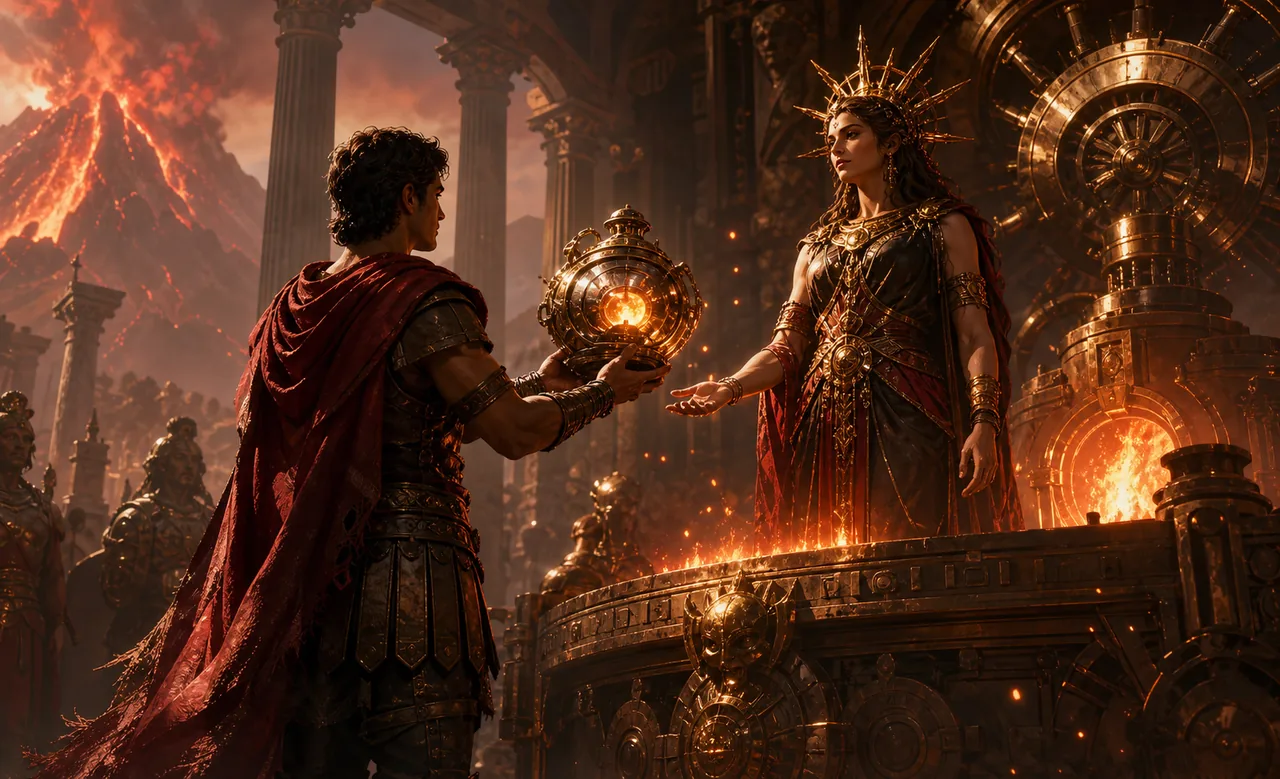
The god system is a progression layer attached to the settlement rather than a separate combat menu. Start with the Altar, learn which offering the current screen accepts, and convert only a safe surplus into worship progress. A good first decision is not the god with the most impressive description; it is the blessing that fixes the problem your town is showing right now. If workers cannot keep food moving, a production or logistics benefit is more useful than a distant combat ambition.
This Romestead gods guide keeps permanent advice separate from patch-sensitive data. The official Steam page confirms that Romestead includes progression and the goal of restoring Roman gods, while community references describe altar tiers, offerings, Worship Points, and named god trees in more detail. Those sources do not agree on whether Minerva is counted with the six core gods or listed as a separate exception. Use the names and roles below as a planning map, then verify the live altar screen before spending a rare item.
Best first habit
Protect food, storage, repair inputs, and the Altar before turning a full inventory into offerings.
Best source habit
Record the game build and the date whenever a guide gives an exact cost, blessing value, or tier requirement.
How the Altar and worship loop works
Think of the Altar as a conversion point. You bring an eligible item or quest result, the interface previews the worship progress, and the selected god receives experience. When a god reaches the next threshold, the game awards a Worship Point that can be spent in that god's tree. The loop is simple, but the opportunity cost is not: every item offered is no longer available for food, crafting, trade, repair, or a future quest.
Altar upgrades and higher tiers should be treated as gates, not decorations. This Romestead gods guide uses the Altar as the source of truth: public references describe tiered altar access and additional quests, but the exact unlock path can move during Early Access. Before assuming that a missing tab is a bug, check the current quest state, the carpenter or building requirement shown in game, and whether the correct player owns the world progression. In co-op, agree who will test the altar and who will keep the shared reserve intact.
| Step | What to check | Safe signal |
|---|---|---|
| 1. Build | The Altar is placed near a reachable settlement route | Players and workers can reach it without crossing a danger zone |
| 2. Inspect | The god, offering slot, quest tab, and preview are visible | The screen shows a real progress result before you confirm |
| 3. Offer | The item is surplus and not needed for the next repair or meal cycle | The reserve still covers one bad night or failed trip |
| 4. Spend | The next Worship Point answers a current bottleneck | The blessing changes a real route, queue, combat plan, or production task |
Romestead offerings: turn surplus into planned progress
An offering is valuable because it creates progress, not because it disappears from a counter. Separate your stock into three layers before you click Offer. Keep a recovery reserve for food, repair materials, and the next construction queue. Keep a growth reserve for the upgrade or workstation that removes a bottleneck. Only the third layer, a genuine surplus, should be used for worship unless the blessing immediately solves a crisis.
The safest Romestead offerings routine is to compare the preview with the settlement plan. This Romestead gods guide recommends that a large offering with a small return be saved while you use a repeatable low-risk item instead. If a quest asks for a rare item, do not assume the same item is the best worship choice. Screens and community tables can be outdated, and the Altar should be the final authority for the current build. Link offering trips to a normal resource run so that one expedition serves two goals.
Never publish or follow a fixed offering table without a date and a source. A useful guide can explain why Ceres, Mars, Mercury, or another tree fits a situation while leaving the exact item values to the live interface. This protects a new settlement from the most common mistake: sacrificing the only item needed to restart a stalled production chain.
| Inventory layer | Keep it for | Offering rule |
|---|---|---|
| Recovery | Food, repairs, emergency building inputs | Do not offer unless the blessing prevents an immediate collapse |
| Growth | A workstation, storage upgrade, or planned expedition | Offer only after the next queue is funded |
| Surplus | Repeatable or replaceable items | Use the Altar preview and a dated source before committing |
| Quest item | A named objective or altar tier | Reserve it until the quest state explicitly asks for it |
What each Romestead god is useful for
The names below are a decision map, not a promise that every blessing, tier, or offering is unchanged. Ceres is commonly associated with harvest, food, and early settlement production; she is a sensible priority when hunger or farming output limits the town. Mars is the combat and war direction, useful when night pressure, expeditions, or boss preparation are the clear constraint. Mercury is the trade and movement direction, which fits long carrying routes, imports, exports, or travel friction.
Diana is usually framed around the hunt and exploration loop. Venus is associated with social, comfort, or settlement-oriented benefits in community guides. Vulcan points toward fire, forge, metal, and production. Minerva appears in some references as a separate wisdom or quest-focused tree, while other guides count only six gods. That disagreement is exactly why this Romestead gods guide avoids inventing a universal order. Open the current tree, read the next unlock, and choose the god whose benefit improves the next measurable task.
| God or tree | Planning use | Verify before claiming |
|---|---|---|
| Ceres | Food, harvest, early production | The current blessing text and offering list |
| Diana | Hunting and expedition preparation | Whether the benefit applies to the activity you are planning |
| Mars | Combat and night pressure | The live combat effect and its tier requirement |
| Mercury | Trade, movement, and logistics | Whether the route or trade mechanic is active in your build |
| Venus | Settlement or social support | The current description rather than a translated summary |
| Vulcan | Forge, fire, and production | The workstation, fuel, or quest dependency |
| Minerva | Wisdom or special progression | Whether the tree is available and how the game currently counts it |
Ceres and Diana
Use the harvest or hunt direction when food, gathering, or exploration supplies are slowing the first stable loop.
Mars and Vulcan
Use the war or forge direction when combat readiness, metal work, or recovery after a raid is the bottleneck.
Mercury, Venus, and Minerva
Use trade, social, or wisdom goals when movement, settlement cohesion, quests, or a documented tier gate matters most.
A safe Romestead god progression order
A safe order is conditional rather than universal. First stabilize the settlement with the beginner route: reachable storage, food, core materials, repair access, and a defense fallback. Second, choose one god whose early benefit removes the largest bottleneck. Third, keep enough Worship Points for a meaningful unlock instead of spreading single points across every tree. This Romestead gods guide favors a narrow tree that solves the current problem because it is easier to evaluate than seven half-started plans.
After the first blessing, run a short validation loop. Did workers carry less, did production recover, did a combat trip become safer, or did a trade route save time? If there is no visible change, stop spending and inspect the text, tier, and scope of the blessing. In co-op, tell the team which tree is active so players do not consume the same rare items for competing goals. Revisit the order after a patch, a new biome, or a major settlement expansion.
| Settlement state | Priority direction | Next checkpoint |
|---|---|---|
| Food or harvest is unstable | Ceres or the currently available production tree | One full day and night without a food panic |
| Exploration supplies are the limit | Diana or a movement-supporting tree | Return with supplies and a repair reserve |
| Raids or bosses stop recovery | Mars, Vulcan, or the live combat/forge option | Repair and re-equip without emptying storage |
| Travel and trade consume the day | Mercury or the current logistics option | Complete a route with less idle carrying |
| A quest or altar tier is blocked | The tree named by the live quest state | Record the exact requirement and build date |
Troubleshooting missing Worship Points, tiers, or blessings
When a point or blessing seems missing, start with ownership and state rather than repeating the same offering. This Romestead gods guide troubleshooting path asks you to confirm that the world host or intended player is viewing the progression, that the god bar actually crossed its threshold, and that the point was not already spent in another tree. Then close and reopen the Altar, recheck the quest log, and compare the exact build or branch with the source you are reading.
A missing altar tier can be a real requirement, a quest-state mismatch, or a patch change. Look for the current carpenter, construction, or quest instruction before dismantling the building. If a blessing appears in a guide but not in the tree, treat the guide as historical until the current interface confirms it. Capture the screen text, date, and world state before asking a community for help; a precise report is much easier to reproduce than “gods do not work.”
Do not disable safeguards or install an unverified trainer to force a progression state. Mods and cheats can change a save, especially in co-op. Back up the world, test the vanilla state, and use the official Steam page or current developer notes to identify a known Early Access change.
| Symptom | Likely checks | Recovery action |
|---|---|---|
| No Worship Point | Threshold, player ownership, and spend history | Refresh the Altar and record the exact god level before offering again |
| Tier or tab is locked | Quest, carpenter, altar level, and current branch | Follow the live requirement; do not trust an undated table |
| Offering gives unexpected progress | Item category, preview, and current build | Keep the reserve and use a repeatable test item |
| Blessing seems inactive | Scope, tier, timing, and affected worker or player | Run one controlled before/after task and document the result |
| Co-op state differs | Host save, player role, and world synchronization | Have the host inspect the tree and share the same build details |
Solo and co-op planning around divine upgrades
Solo players can make the progression loop easier to read by assigning one session goal: fund an offering, unlock one blessing, or test one route. Do not combine a rare altar spend with an unplanned boss trip. Leave the Altar close to storage when possible, keep a repair reserve at home, and write down the next item you need before leaving the settlement. This turns worship into a repeatable routine instead of a last-minute sacrifice.
In co-op, choose a worship owner and a reserve caller even if everyone can use the same system. The owner reads the current tree and confirms the intended point spend; the reserve caller protects food, metal, fuel, and quest items. A builder can shorten the route between storage and the Altar, while an explorer supplies the next safe offering. The team should agree on one active tree at a time unless the world has enough surplus to support two experiments.
The official Steam page describes Romestead as an Early Access game with co-op and ongoing progression changes. That makes communication and version notes part of the guide, not an optional appendix. After an update, recheck the Altar text, offering preview, and blessing scope before treating an old community order as current.
Romestead worship checklist
| Phase | What to do | Pass signal |
|---|---|---|
| Prepare | Stabilize food, storage, repair inputs, and a safe return route | One failed trip will not collapse the settlement |
| Inspect | Read the Altar preview, god tree, quest state, and current build | The target and cost are visible in the live interface |
| Reserve | Separate recovery, growth, quest, and true surplus items | The offering does not consume the only restart resource |
| Choose | Spend the next point on one current bottleneck | The blessing has a measurable task to improve |
| Test | Run one controlled production, travel, combat, or trade loop | The effect is visible and its scope is understood |
| Refresh | Recheck after patches, tier quests, or a co-op host change | The guide note includes a date and source |
Romestead gods guide FAQ
Sources and current-value checks
- Official Romestead Steam page - Primary source checked Nov 16, 2026 for Early Access status, co-op, progression, and god-restoration framing.
- Romestead Gods Guide: offerings and blessings - Community guide fetched for altar structure, sample blessings, and the seven-tree counting difference.
- Romestead Gods Guide: unlock and level up - Community guide fetched for Altar, Worship Points, and the six-core-god framing.
- Romestead Wiki: Worship - Database-style reference fetched for offerings, points, altar tiers, and unlock-tree context.